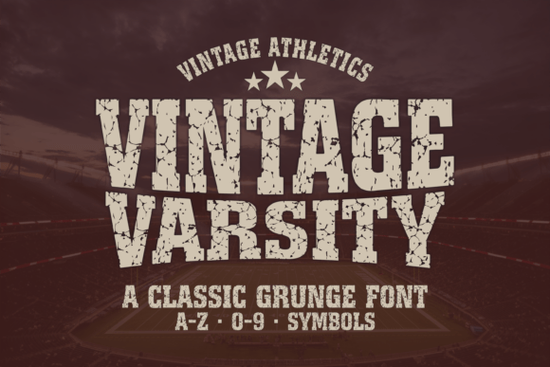
If you need a typeface that captures the rugged, worn-in feel of classic college athletics, Vintage Varsity Font delivers exactly that. It combines heavy letterforms with a built-in grunge texture, so you get an authentic distressed look without spending hours adding manual effects. Whether you run a print-on-demand shop, make team jerseys, or craft gym apparel, this font gives your layouts a confident, old-school sports vibe right out of the box.
What makes this athletic typeface stand out?
Most varsity-style fonts rely on clean, blocky shapes that can feel too modern. This one bakes the distress directly into the character edges, making it look naturally aged like vintage screen-printed cotton. You get full uppercase and lowercase sets, numbers, and standard punctuation, so you can write complete phrases instead of being limited to short team names. The multilingual support also helps when designing for local leagues or international buyers. If you occasionally need a cleaner collegiate style for contrast, keeping a traditional varsity layout in your folder makes it easy to switch tones between projects.
Which design projects work best with it?
This typeface shines when you need bold, high-impact lettering that grabs attention quickly. It works especially well for:
- Sports branding: Team logos, tournament posters, and sideline banners
- Apparel graphics: T-shirts, hoodies, and gym wear that need a rugged aesthetic
- Print-on-demand listings: Motivational quotes, retro athletic designs, and vintage merch
- Digital content: Social media thumbnails, event flyers, and cover art
Because the letterforms are wide and heavily weighted, they stay readable even when scaled down for stickers or mobile screens. Pairing it with a lighter display option or a clean sans serif helps balance busy layouts and keeps supporting text easy to read.
How do you install and use it across different apps?
The download includes both OTF and TTF files, which cover nearly every modern design platform. Extract the folder, double-click the file, and install. Once active, it will appear in Canva, Photoshop, Illustrator, Procreate, Cricut Design Space, and Silhouette Studio. For sublimation and heat transfer work, remember to mirror your text before printing. The built-in texture handles well at 300 DPI, but test a small print first if you plan to enlarge the design for wall art. When working in vector programs, convert text to outlines and tighten the tracking slightly for a condensed locker-room look. If your workflow sometimes leans toward playful youth sports designs, keeping a casual display font nearby gives you quick alternatives.
What should you check before adding it to your collection?
Display fonts are highly specific, so verify a few practical details first. Confirm that the character set covers the symbols you regularly use, and always check the licensing terms for your intended sales channel. Test the font at different sizes to see how the distressed edges render on your preferred printer or cutting machine. You can review the full license and download Vintage Varsity Font directly from the marketplace. For projects that need a more experimental or gritty feel, you might also explore an unconventional display style to push your layouts in a different direction.
Quick setup checklist before you start designing
- Install both file formats and restart your app if the font does not appear immediately
- Set your canvas to 300 DPI and run a test print on your target material
- Adjust letter spacing to -10 to -20 for a tighter athletic look
- Pair the typeface with a simple sans serif for secondary text
- Verify commercial licensing if you plan to sell finished products
Start with a single test design, cut or print a sample, and adjust the texture scaling until it matches your brand. Once you dial in the settings, you can reuse the same workflow for jerseys, posters, and storefront graphics without extra guesswork.
Learn More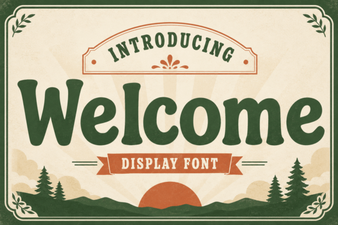 Welcome Fonts for Creative Web Design Projects
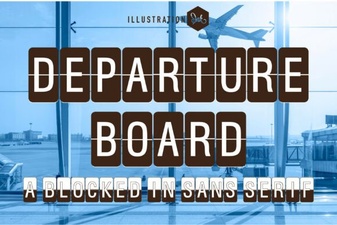 Create a Dynamic Departure Board with a Digital Font
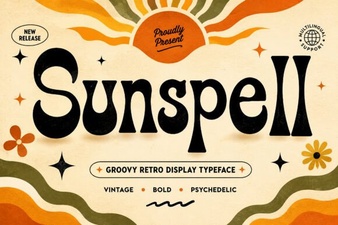 Sunspell Font: a Retro Display Typeface for Projects
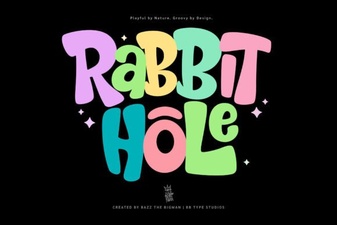 Rabbit Hole Font Design Projects & Tutorials
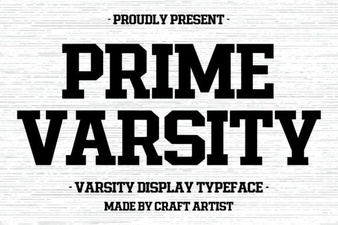 Prime Varsity Font for High-Performance Designs
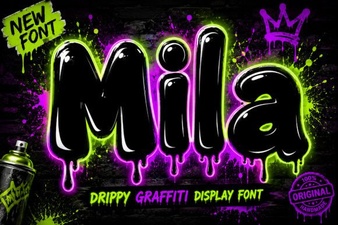 The Mila Font: Elegant Modern Typography for Designers