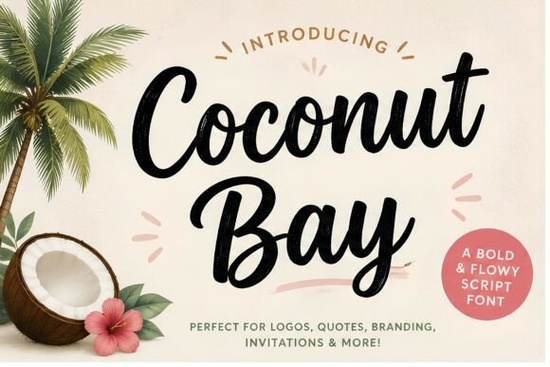
If you need a typeface that instantly feels like salt air and sunny afternoons, Coconut Bay Font delivers exactly that. This bold, cheerful handwritten script was built for creators who want their designs to carry a relaxed island personality without sacrificing readability. Whether you run a print-on-demand shop, plan coastal weddings, or design summer merchandise, the smooth brush strokes and natural curves give your work a friendly, approachable look right out of the box.
What makes this script work so well for beach and vacation themes?
The secret lies in how the letterforms balance energy with structure. Many casual scripts lean too far into messy strokes, which makes small text hard to read on apparel tags or social media thumbnails. Coconut Bay keeps the brush texture visible but maintains consistent baseline alignment and clear character shapes. That means you can use it for headlines, short quotes, or brand names without worrying about visual clutter. The rounded terminals and open counters also help the font feel warm and inviting, which matches the mood of tropical branding, resort menus, and summer sale graphics. If you enjoy browsing handmade lettering styles that feel authentic rather than overly polished, this typeface fits right into that workflow.
Where should you place this font in your design projects?
Handwritten scripts perform best when they carry the main message while supporting typefaces handle the details. Here are a few reliable use cases for this script font category:
- Apparel and tote bags: Short phrases like “Coastal Vibes” or “Saltwater State of Mind” stand out beautifully when printed in bold script.
- Event invitations: Beach weddings, birthday parties, and farewell gatherings benefit from the casual yet polished tone.
- Social media headers and story templates: The thick strokes remain crisp on mobile screens, even when scaled down.
- Small business branding: Use it for logo wordmarks, packaging stickers, or thank-you cards to add a personal touch.
When you need something that feels a bit more structured for longer paragraphs, you might also spend some time reviewing study-friendly script options that pair well with decorative headlines.
How do you pair and format handwritten fonts without crowding the layout?
Script typefaces demand breathing room. Start by limiting Coconut Bay to one or two lines per design. Pair it with a clean sans-serif or a simple serif for body copy, pricing details, or dates. Increase the tracking slightly if you notice letters touching in unexpected ways, and always test your composition at the actual print or screen size. Many crafters and POD sellers forget to check how the font renders on different backgrounds. A light texture or soft gradient usually works better than a busy photograph, since the brush details need contrast to stay legible. If you prefer typefaces with a slightly different rhythm, you can also look into playful family-themed scripts or explore uplifting handwritten alternatives that match the same relaxed mood.
What should you check before purchasing and using the font?
Always review the licensing terms for your specific use case. Personal projects usually require a basic license, while selling physical products, digital templates, or logo files often needs a commercial or extended license. Verify that the download includes the file formats you need, such as OTF, TTF, and web-friendly WOFF files. Check whether multilingual support or alternate glyphs are included, especially if you design for international clients. When you are ready to test it in your own workspace, you can find Coconut Bay Font through the official marketplace. Designers who like refined pen strokes often compare it with other stylish handwriting typefaces before making a final choice.
Before you export your next summer design, run through this quick checklist:
- Keep the script to headlines or short phrases under ten words.
- Pair it with a neutral sans-serif for dates, links, and fine print.
- Test readability at 100% zoom and on a mobile screen.
- Check contrast against your background color or texture.
- Confirm your license covers commercial sales if you plan to sell the final product.
Download the font, set up a simple test layout, and adjust the spacing until the letters flow naturally. A few minutes of careful formatting will save you from reprinting merch or revising client files later.
Learn More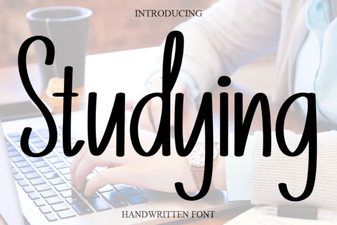 Best Fonts for Studying and Effective Learning Materials
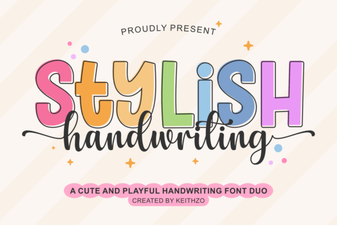 Find the Perfect Stylish Font for Your Creative Projects
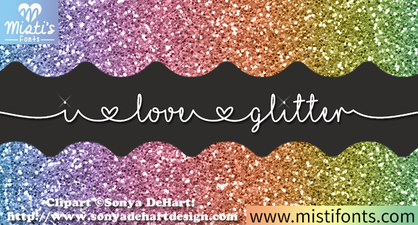 Spark Your Designs with Glitter Font Creativity
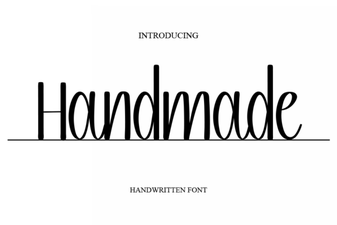 Creative Projects Using Handmade Fonts
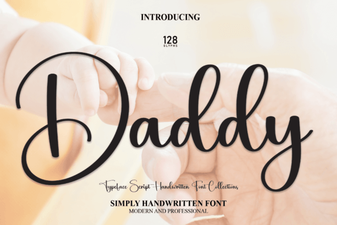 The Daddy Font Style Guide for Creative Projects
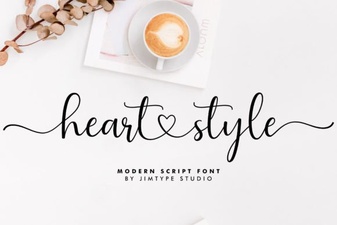 Heart-Style Fonts for Your Creative Design Projects