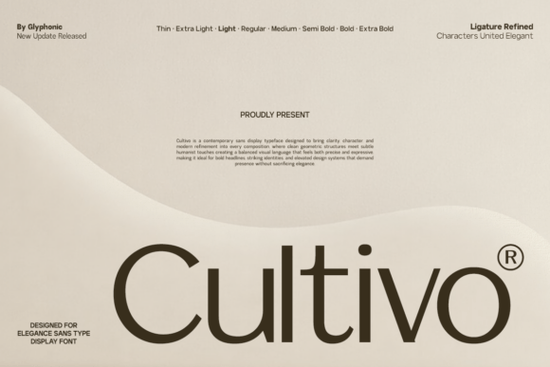
If you need a clean, modern typeface that reads well on screens and prints sharply on merchandise, Cultivo Font is worth a closer look. This contemporary sans display typeface blends geometric precision with subtle humanist details, giving your layouts a polished feel without looking stiff. Whether you are building a brand identity, setting editorial headers, or designing print-on-demand products, the balanced spacing and thoughtful ligatures help your text stay legible across different mediums.
What makes this typeface work for modern branding?
Display typefaces often struggle to balance personality with readability. Cultivo keeps the letterforms structured while adding just enough curve to feel approachable. The refined character spacing means you spend less time manually kerning headlines, and the built-in ligatures handle tricky letter combinations automatically. For small business owners and crafters, that translates to faster turnaround times and fewer layout adjustments. The clean lines also scale reliably from website hero sections to small batch sticker runs. If you usually pair a bold display face with a simpler secondary typeface, you might explore options like a hand-drawn sketch style for visual contrast, or keep everything uniform with a straightforward sans companion when your project needs minimal distraction.
Where does it fit best in your everyday workflow?
Cultivo fits naturally into brand identities, blog headers, tech interfaces, and print-on-demand merchandise where crisp edges matter for DTG printing. When you are building a larger design system, consistency matters more than novelty. If you have tested softer rounded alternatives and found them too casual, or tried more editorial-focused faces that felt too traditional, this typeface sits comfortably in the middle. It also pairs smoothly with heavier display options when you need a strong visual anchor for campaign graphics.
How do you get the most out of a display sans in real projects?
Start by using the font for headlines, subheads, and short descriptions. Long paragraphs are better served by a dedicated text face, but Cultivo handles medium-length copy beautifully when you increase the line height slightly. Keep your tracking tight for large titles, but open it up a fraction for smaller subheaders to maintain readability on mobile screens. OTF and TTF files work reliably in Adobe Illustrator, Photoshop, Canva, and Cricut Design Space. If you are preparing files for commercial print, outline your text before sending to the printer to avoid substitution issues.
Licensing is another practical detail. Always check the commercial use terms before selling finished products. Many creators browse Cultivo Font directly on Creative Fabrica to verify usage rights, download updated files, and access customer support. Keeping your license documentation organized saves time if a marketplace ever requests proof of purchase.
What should you test before adding it to your toolkit?
Before you commit to any typeface for client work or product listings, run a quick practical test. Type out your most common words, check how numbers and punctuation render, and preview the font at different sizes. Look for consistent stem thickness, clean curve transitions, and even spacing between capital and lowercase letters. A reliable font should reduce friction, not create it. When the letterforms feel balanced and the spacing behaves predictably, you can focus on layout and messaging instead of fixing typographic quirks.
Quick next steps before you start designing:
- Install the font files and restart your design software.
- Test headlines at 24pt, 48pt, and 72pt to check spacing and ligatures.
- Pair with a neutral body text face and verify contrast on dark backgrounds.
- Review the commercial license and save the receipt in your project folder.
- Export a sample mockup for print and digital to confirm sharp edges.
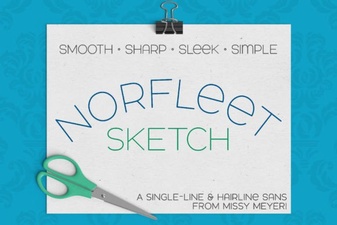 Single Line Font for Modern Design Projects
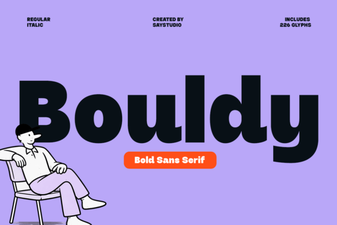 Bouldy Font: Creative Display for Modern Designs
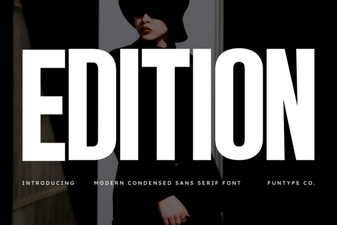 Craft & Design with Edition Font Templates
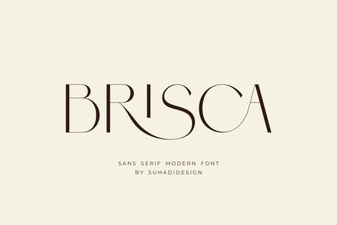 Brisca Font: Stylish Designs & Creative Projects
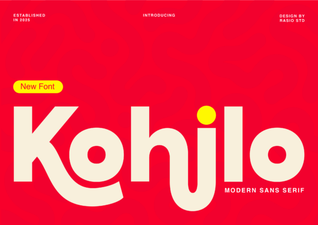 Kohilo Font: Creative Design Projects & Inspiration
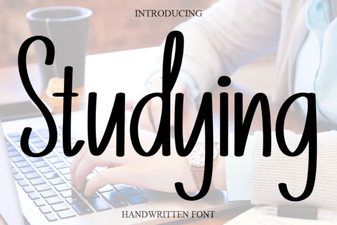 Best Fonts for Studying and Effective Learning Materials