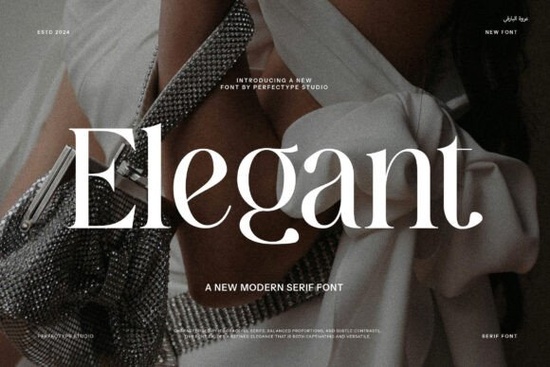
When you need a typeface that feels refined without looking overly decorative, Elegant Font delivers exactly what the name promises. It features smooth, stylish letters built on thin lines and graceful curves, creating a polished appearance for everything from wedding invitations to boutique branding. Designers, crafters, and print-on-demand sellers often choose this style because it reads clearly at medium sizes while carrying a sophisticated feel. Understanding how to use thin-stroke typography correctly will save you time and prevent common layout mistakes.
What makes this typeface work for professional projects?
The strength of a delicate letterform lies in its restraint. Instead of relying on heavy ornamentation, the design uses consistent stroke contrast and open counters to keep words legible. Thin lines can sometimes disappear on low-resolution screens, but this family was drawn with balanced proportions that hold up well in both digital and print environments. You will notice that the curves taper smoothly, which helps maintain a steady visual rhythm across headlines and short paragraphs. For crafters cutting vinyl or laser-engraving wood, those clean edges translate into fewer broken paths and smoother machine reads.
Where should you use thin, graceful lettering?
Not every project needs a bold, attention-grabbing typeface. Delicate styles shine best when you want to communicate quality, calm, or luxury. Consider using them for:
- Boutique logos and product packaging that need a premium touch
- Wedding suites, event programs, and formal place cards
- Print-on-demand mugs, tote bags, and apparel with minimalist quotes
- Social media graphics where white space does most of the heavy lifting
When you place these letters on a clean background, the thin strokes naturally draw the eye without competing with photos. If you are designing for e-commerce, pairing this style with simple product photography often increases perceived value because the layout feels intentional rather than cluttered.
How do you pair it without losing readability?
The most common mistake with fine letterforms is matching them with other delicate typefaces. When everything is light, nothing stands out, and small screens will struggle to render the details. A reliable approach is to pair your headline font with a sturdy, neutral companion for body text. You can use a straightforward sans serif for descriptions, or if you prefer a more traditional structure, browsing through typefaces with classic serif details can help you compare weights until you find a balanced combination. Keep your line height generous, and avoid tracking the letters too tightly. Thin strokes need breathing room, especially on packaging labels.
What file formats and licensing details matter?
Before you download and install any typeface, check the included file types and usage rights. Most modern font packages come with OTF and TTF files, which cover standard desktop design software and basic web embedding. If you plan to use the letters on merchandise that you sell, look for a commercial license that explicitly covers print-on-demand and physical products. Some creators also include webfont kits or SVG files for cutting machines, which saves you the step of converting outlines manually. Always keep your license receipt organized, and read the terms regarding trademark usage if you are building a registered brand logo.
How can you get the best results on your first try?
Working with refined typography does not require advanced skills, but it does ask for a few careful adjustments. Start by testing your text at the actual size it will appear in the final product. Screen zoom can trick you into thinking thin lines are thicker than they really are. Switch to a high-contrast color pair, like dark charcoal on off-white, before experimenting with muted palettes. If you are sending files to a printer, convert your text to outlines or embed the font properly so the output matches your screen. For crafters using cutting software, run a small test cut on scrap material to verify that the fine curves do not tear during weeding.
Before you publish or print, run through this quick checklist:
- Verify that the font size stays above 12pt for body copy and 24pt for headlines
- Check contrast ratios to ensure thin strokes remain visible on mobile screens
- Confirm your license covers commercial sales if you are listing items online
- Export a test PDF or mockup to catch spacing issues before final production
- Save a version with outlined text as a backup for printers and manufacturers
Take a few minutes to adjust tracking, test your colors, and review the license terms. Once those basics are in place, your layout will look polished and ready for your audience.
Try It Free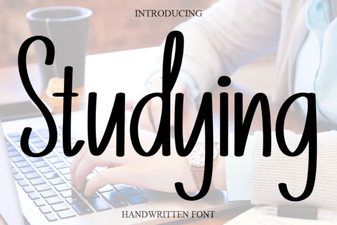 Best Fonts for Studying and Effective Learning Materials
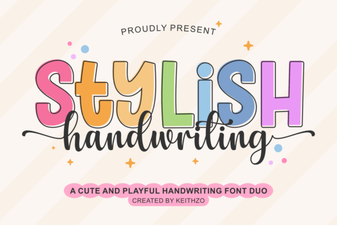 Find the Perfect Stylish Font for Your Creative Projects
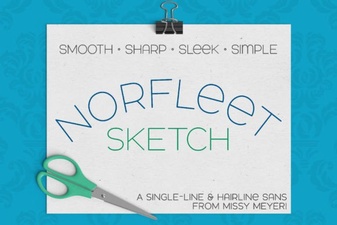 Single Line Font for Modern Design Projects
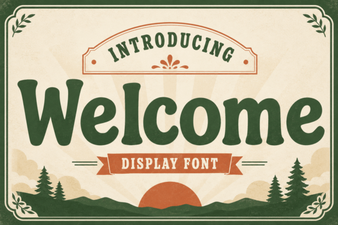 Welcome Fonts for Creative Web Design Projects
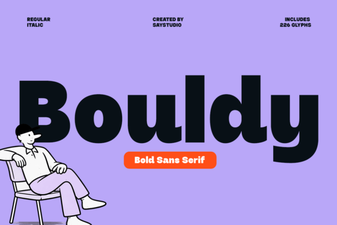 Bouldy Font: Creative Display for Modern Designs
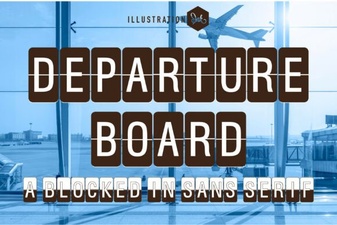 Create a Dynamic Departure Board with a Digital Font