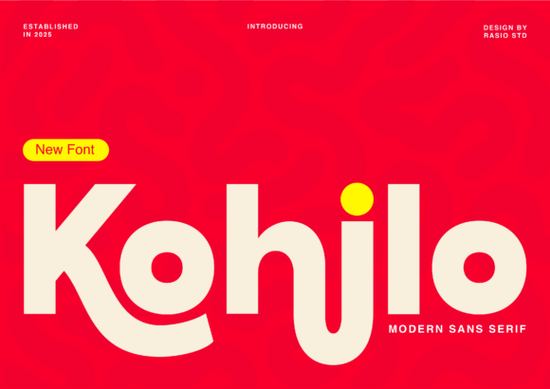
If you need a typeface that grabs attention without sacrificing readability, Kohilo Font delivers a clean yet playful balance that works across digital and print projects. Designed as a modern sans serif, it combines thick, confident strokes with soft, liquid-like curves. The result is a letterform set that feels approachable but still bold enough to carry a headline or logo. Whether you are designing social media graphics, packaging for a small product line, or interface text for a startup app, this font gives your layout a contemporary edge without looking overly decorative.
What makes this typeface stand out?
The most noticeable detail is how the characters handle weight and flow. Instead of uniform geometric shapes, the letters feature exaggerated curves that soften the overall look. You will see this clearly in the lowercase h and j, where the strokes dip and swell like ink on paper. That subtle organic touch keeps the design from feeling rigid, which is exactly why it works so well for brands that want to appear friendly and modern. The spacing is also tuned for high-impact use, meaning you can scale it up for posters or shrink it down for web headers without losing clarity. You can browse the complete sans serif collection to see how the different weights interact with your layout.
Where does it work best in real projects?
This typeface shines when you need visual hierarchy and instant recognition. It is not meant for long body copy, but it excels in short, punchy applications. Here are a few places where it consistently performs well:
- Creative tech branding and startup logos
- Toy and game packaging that needs a lively feel
- Social media banners and promotional thumbnails
- Modern app interfaces and onboarding screens
- Print-on-demand merchandise like tote bags and stickers
Because the letterforms carry their own personality, you can often pair them with minimal graphics and still get a strong result. That makes it a practical choice for small business owners and crafters who want professional-looking designs without spending hours on complex layouts.
How do you pair it with other typefaces?
A bold display font always needs a quiet partner. When you are building a full typographic system, try matching it with a neutral sans serif for body text or a clean monoline script for accents. If you are exploring alternatives for different moods, you might test a hand-drawn option like a sketch-style single line font to add a casual touch, or stick to something structured when you need a more corporate feel. For projects that require a sharper geometric vibe, browsing through a refined sans collection can give you reliable backup choices. When you want something with softer terminals, a rounded sans option often complements heavier headlines nicely. And if your layout calls for a slightly condensed alternative, a narrow sans design can help you save horizontal space while keeping the tone consistent. You can also preview how Kohilo looks alongside other popular typefaces before committing to a final pairing.
What should you check before adding it to your toolkit?
Not every font fits every workflow, so it helps to verify a few technical details first. Make sure the file includes the character set you actually need, especially if you work with multilingual audiences or special symbols. Check whether the license covers your intended use, whether that is client work, digital products, or physical merchandise. Test the spacing at different sizes, since display fonts can sometimes require manual kerning adjustments when used in all caps. Finally, install it on a test machine and run it through your usual design software to confirm that the curves render cleanly on both screen and print.
Before you finalize your purchase, run through this quick checklist:
- Verify the license matches your project type (personal, commercial, or POD)
- Test uppercase and lowercase scaling at 24pt, 48pt, and 72pt
- Check glyph coverage for numbers, punctuation, and accented characters
- Pair with a neutral body font and review contrast on mobile screens
- Export a print proof to confirm stroke weight holds up on paper
Keep these steps in mind, and you will get consistent, professional results every time you drop this typeface into a new layout.
Try It Free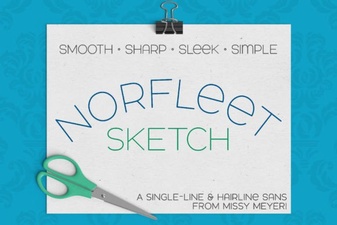 Single Line Font for Modern Design Projects
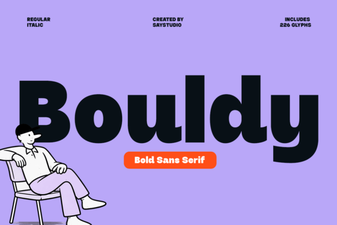 Bouldy Font: Creative Display for Modern Designs
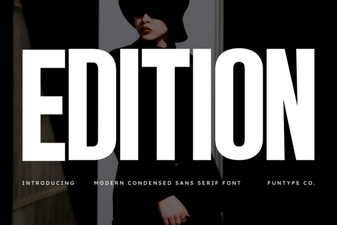 Craft & Design with Edition Font Templates
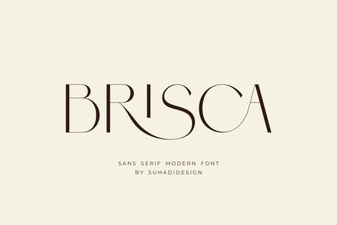 Brisca Font: Stylish Designs & Creative Projects
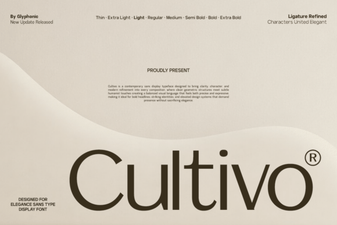 Cultivo Font: Enhance Designs with Organic Typography
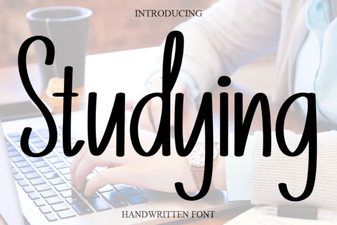 Best Fonts for Studying and Effective Learning Materials