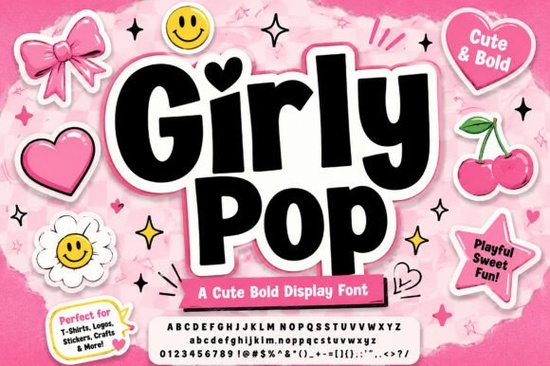
If you need a typeface that grabs attention without looking cluttered, Girly Pop Font delivers exactly that. It is a bold display typeface built around chunky, interlocking letters, a slightly bouncing baseline, and soft rounded edges. The built-in white outline and pink sticker-style drop shadow give it that early-2000s vibe, but the spacing and weight are clean enough for modern merchandise and social graphics. Designers, crafters, and print-on-demand sellers use it when they want headlines that feel playful but still read clearly at a glance.
What makes this typeface stand out for print and digital projects?
The letterforms are intentionally heavy, which means they hold up well on fabric, paper, and screens. The interlocking shapes create a cohesive block of text, so you do not have to manually adjust kerning for every word. The bouncing baseline adds movement without sacrificing readability, and the rounded corners keep the overall mood friendly. If you usually reach for a warm, approachable display style for boutique branding, this option gives you that same welcoming feel with a much louder presence. The pre-styled outline and shadow also save time. Instead of layering effects in your software, you get a ready-made sticker look that prints cleanly and scales without pixelation.
Which projects work best with a bold Y2K display style?
This font shines when you keep the text short and intentional. It is built for titles, not paragraphs. You will get the best results on:
- Streetwear and casual t-shirt graphics where the headline needs to pop from a distance
- Die-cut sticker sheets and planner inserts that benefit from a chunky, layered look
- Social media cover images, story templates, and short promotional quotes
- Small business packaging labels, thank-you cards, and product tags
Because the pink outer shadow is baked into the design, it works especially well on light or neutral backgrounds. If you place it on dark fabric or a busy photo, the contrast may flatten. Test a quick mockup before committing to a full print run.
How do I set up the outlines and shadows in my design software?
Most design programs recognize standard OpenType or TrueType files. Install the font, restart your app, and type your headline. The white stroke and pink shadow are built into the glyphs, so they appear automatically. To recolor them for a specific brand palette, convert the text to outlines first. In Illustrator, select the text and choose Create Outlines. For heat transfer vinyl or screen printing, separate the layers manually so your cutter does not treat the shadow as one solid piece. If you prefer a more worn finish, explore a grunge-inspired display alternative for background elements.
Should I pair it with other lettering styles?
Keep supporting text quiet. This heavy display style already carries significant visual weight. Pair it with a simple sans serif or clean monoline script for subheadings. Avoid adding another decorative typeface to the same layout. When building shop banners, rotate between this and a retro athletic lettering style to keep branding fresh. For lighter projects, a soft, airy display option balances the boldness on alternate variants. If you are browsing a chunky display collection for a seasonal drop, this fits modern Y2K trends perfectly.
What should I check before uploading to print-on-demand platforms?
Print providers have different file requirements, and a heavily styled font needs a little extra attention. Always export at 300 DPI with a transparent background unless the platform specifically asks for a solid color. Check the safe print area on garments, since the pink shadow extends slightly beyond the letter edges. Run a test print on paper to verify that the outline does not blur during pressing. Finally, review the commercial license included with your download. Most marketplace fonts allow small business and POD sales, but some restrict mass production. You can verify the current usage terms and grab the latest version of Girly Pop Font directly from the creator’s page.
Quick setup checklist before you publish or print:
- Install the font and restart your design app to avoid missing glyphs
- Keep headlines to one or two lines for maximum readability
- Test contrast on your actual background color, not just a white canvas
- Convert to outlines if you plan to recolor the stroke or shadow
- Export at 300 DPI with transparency for POD and digital downloads
- Confirm your license covers your intended sales channel
Start with a single mockup, adjust the spacing if needed, and save your export settings as a preset. Once you have a repeatable workflow, you can roll out matching stickers, shirts, and social templates in a fraction of the time.
Download Now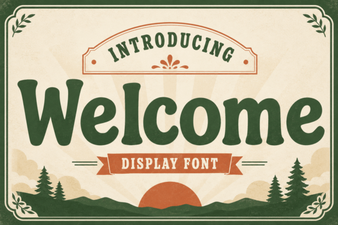 Welcome Fonts for Creative Web Design Projects
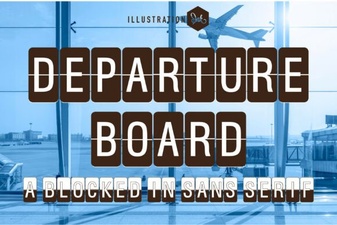 Create a Dynamic Departure Board with a Digital Font
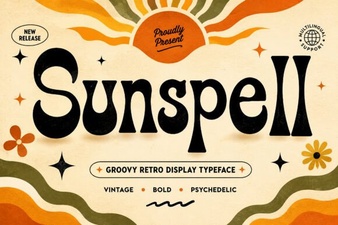 Sunspell Font: a Retro Display Typeface for Projects
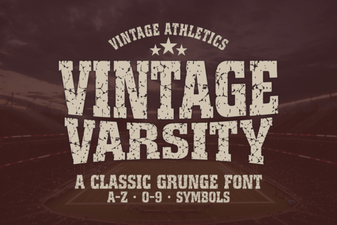 Unlock Retro Designs with Vintage Varsity Fonts
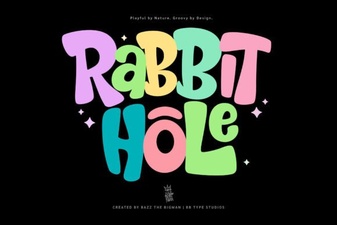 Rabbit Hole Font Design Projects & Tutorials
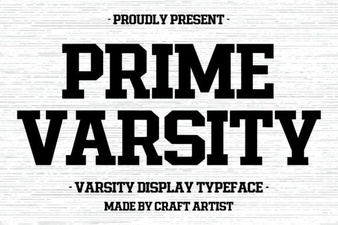 Prime Varsity Font for High-Performance Designs