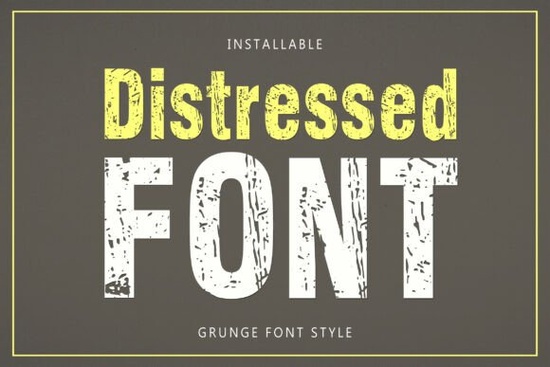
If you need a typeface that looks like it has been around for decades but still reads clearly on screen and in print, Distressed Font delivers exactly that. It is a bold, vintage-inspired lettering style built with rough edges, subtle wear, and just enough texture to feel authentic without sacrificing legibility. Designers, print-on-demand sellers, and small business owners often reach for this kind of display type when they want instant character on posters, apparel, or retro branding projects.
What makes a worn typeface work for modern projects?
The trick with any grunge or aged lettering is balance. Too much texture and the words become hard to read. Too little and the design falls flat. This particular style keeps the imperfections controlled, so each character maintains a solid structure while still showing that hand-stamped, weathered feel. When you are laying out text for t-shirts, packaging, or social media graphics, that consistency saves you time. You do not have to manually add noise or overlay grunge textures because the font already carries the right amount of visual weight. If you enjoy exploring other rough-edged display typefaces, you will notice how the spacing and glyph proportions here are tuned for everyday commercial use.
Where does this style fit best in your workflow?
Not every project needs a clean, minimalist sans serif. Sometimes the brief calls for something that feels lived-in. This lettering style shines in places where personality matters more than corporate polish. Think about:
- Apparel and merch: Vintage band tees, military-inspired graphics, and outdoor brand labels
- Posters and event flyers: Concert announcements, market days, and workshop promotions
- Small business branding: Coffee shop menus, craft brewery taps, and handmade product tags
- Digital content: YouTube thumbnails, podcast covers, and social quotes that need quick visual impact
When you want to shift away from sleek modern lettering, browsing through playful display options can help you compare how different textures change the mood of a layout.
How to pair it without making your design look messy
Textured typefaces demand breathing room. The easiest way to keep your composition clean is to use the distressed style for headlines or short phrases, then pair it with a simple, neutral body font. Stick to one or two colors maximum, and let the rough edges do the heavy lifting. Avoid adding extra drop shadows, heavy outlines, or complex backgrounds that compete with the built-in wear. If you are testing combinations, you might also look at how bold pop lettering handles contrast, since the same pairing rules apply when mixing strong display fonts with quieter supporting text.
What should you check before buying a textured font?
Before you add any display type to your toolkit, run through a few practical checks. First, verify the character set covers the symbols you actually need, like ampersands, numerals, and basic punctuation. Second, test the spacing at different sizes. A font that looks great at 72pt might close up too much at 24pt if the kerning is not optimized. Third, confirm the license matches your intended use, especially if you plan to sell physical products or digital templates. Many creators also compare a few styles side by side before deciding. For example, you might weigh this against softer decorative lettering for boutique branding, or review clean modern alternatives when a project needs a sharper finish. You can also preview Distressed Font directly to see how the glyphs render in your preferred design software.
How do you get the most out of a vintage-style typeface?
The secret is restraint. Let the texture speak for itself, keep your layout grid simple, and test your design in the actual medium it will live in. Screen mockups can hide printing limitations, so always export a sample at full resolution and check how the rough edges translate to your printer or heat press. Adjust tracking slightly if the letters feel too tight, and remember that white space is your best friend when working with heavy, ornamental lettering.
Before you finalize your next project, run through this quick checklist:
- Test the headline at both desktop and mobile sizes to confirm readability
- Pair the display type with a plain sans serif or serif for body copy
- Limit your color palette to two tones so the texture stays visible
- Check the license for commercial, POD, and template use
- Print a physical proof or export a high-res PNG to verify edge clarity
Keep this font in your regular rotation for projects that need instant vintage character, and you will spend less time adding manual effects and more time finishing designs that actually sell.
Download Now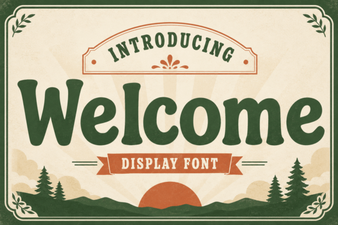 Welcome Fonts for Creative Web Design Projects
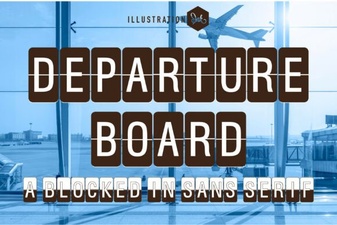 Create a Dynamic Departure Board with a Digital Font
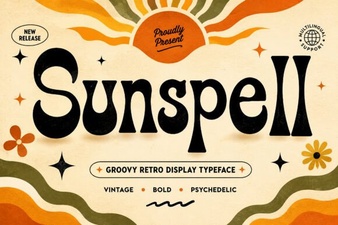 Sunspell Font: a Retro Display Typeface for Projects
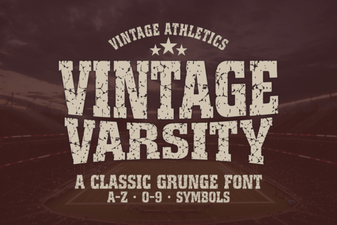 Unlock Retro Designs with Vintage Varsity Fonts
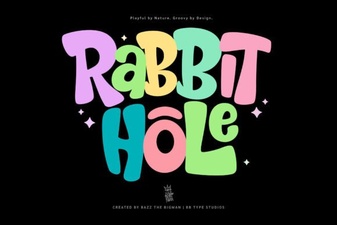 Rabbit Hole Font Design Projects & Tutorials
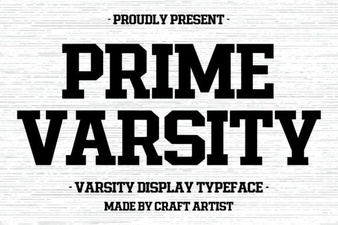 Prime Varsity Font for High-Performance Designs